Is YTMP3 Safe? What We Found in 2026 (+ Safer Picks)
Is YTMP3 safe? Google Safe Browsing shows ytmp3.cc and ytmp3.ai clean, but pop-ups, redirects and fake buttons are the risk. How to stay safe + ad-free picks.
 Emily CarterSEO Writer & YouTube Tools Specialist· · 4 min read
Is YTMP3 safe? The site itself isn't flagged: on October 29, 2026, Google Safe Browsing showed "No unsafe content found" for both ytmp3.cc and ytmp3.ai. The trouble starts after you click Convert. Security researchers describe pop-up ads, redirects, notification prompts and fake download buttons that can lead to adware. So the MP3 is usually fine; what surrounds it is not.
The verdict is in the box above. Below: what we checked, why there are so many "ytmp3" sites, how to get a clean MP3 safely, and what to do if you already clicked something.
What we checked
We looked up ytmp3.cc and ytmp3.ai in Google's Transparency Report, the Safe Browsing data that Chrome uses for its red warning pages. We didn't run conversions on those sites or click their ads.
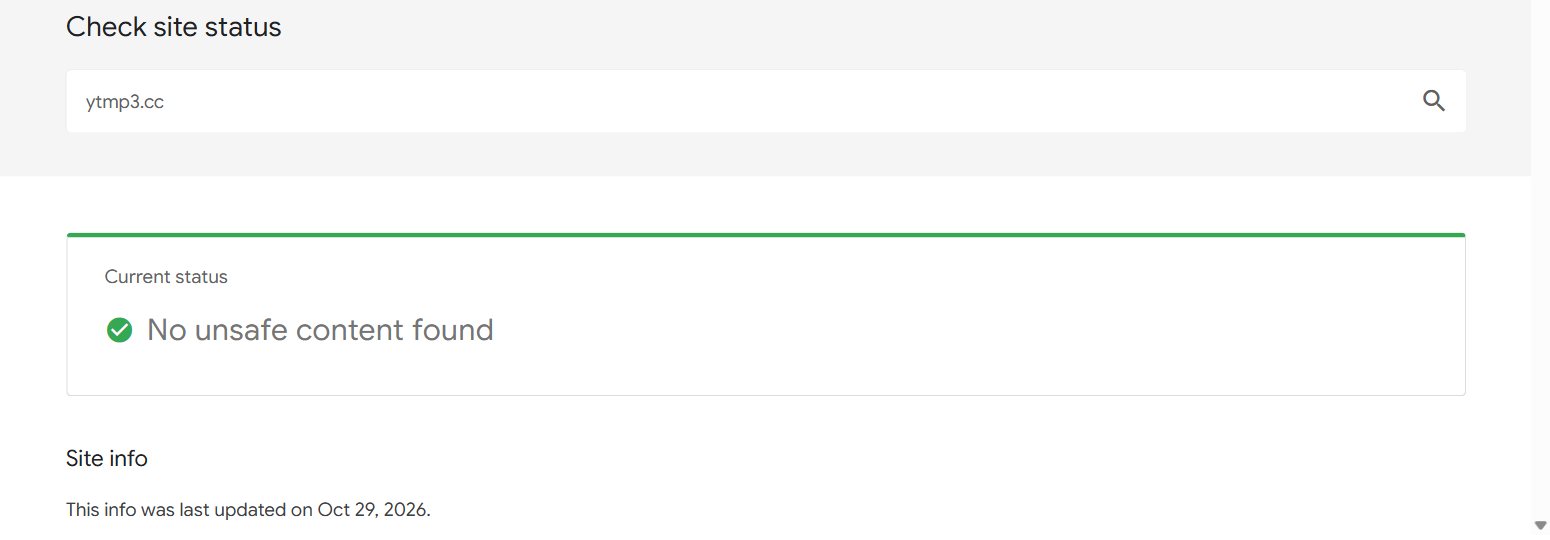
| What | ytmp3.cc | ytmp3.ai |
|---|---|---|
| Safe Browsing (Oct 29, 2026) | No unsafe content found | No unsafe content found |
| What the scan misses | Ads, redirects, notification spam | Ads, redirects, notification spam (report updated Oct 26) |
A clean scan means Google found no malware or phishing on that domain at that moment. It does not rate the ad networks a site loads after you click.
Is YTMP3 a virus?
No. The site isn't a virus and a real MP3 file can't run like a program. Moonlock, the security team at MacPaw, says the landing page is clean but that the sneaky part comes after Convert: redirects, adware and misleading download prompts. That matches what PCrisk reports for similar converter sites.
The risks, in plain terms:
- Pop-ups and new tabs that open when you press Convert or Download.
- "Allow notifications" prompts. Click Allow and the site can push spam to your screen for weeks.
- Fake download buttons inside ads that lead to installers or extensions.
- Files that aren't audio. A real download ends in .mp3. Anything ending in .exe, .apk, .dmg or .msi is a program.
Why are there so many YTMP3 sites?
Search for ytmp3 and you'll find ytmp3.cc, ytmp3.ai, ytmp3.gg, ytmp3.gs, ytmp3.as and more. They aren't one company. Each domain has its own owner, its own ads and its own Safe Browsing record, so "is ytmp3.ai safe" and "is ytmp3.cc safe" are really separate questions. Check the exact address in your browser bar, not the name in the logo.
How to use any YTMP3-style converter more safely
- Press Block on every notification prompt.
- If a new tab opens, close it and go back. Don't click anything in it.
- Check the file before you open it: it should end in .mp3 (or .m4a).
- Never install an app or extension the site offers. A converter doesn't need one.
- Never sign in with Google. A converter doesn't need your account.
Is YTMP3 safe on iPhone and Android?
Phones change the risk a little. An iPhone can't install an .exe or .apk file from a website, so the realistic dangers there are scam pages ("your iPhone is infected"), fake App Store prompts and notification spam. Close the tab and don't tap anything in it.
Android is different: it can install apps from outside the Play Store if you allow it. If a converter page tries to download an .apk, cancel it. A real song arrives as an .mp3 (sometimes .m4a) in your Downloads folder, and nothing more.
On any phone, also watch for pages that ask you to "update Chrome" or "clean your phone". A browser update never comes from a converter site.
Already clicked something?
- Notifications: Chrome → Settings → Privacy and security → Site settings → Notifications, then remove the site. On Android: Chrome → Settings → Site settings → Notifications.
- An extension: open your browser's extensions page and remove anything you don't recognise.
- A program file: uninstall it and run Windows Security or your phone's built-in scan.
Safer YTMP3 alternatives, compared
If you'd rather skip the ads completely, these are the options we'd use instead. The table is the quick view; the cards have the detail.
| Tool | Price | Ads and pop-ups | Limits | Best for |
|---|---|---|---|---|
| Tube Snip | Free: 20 downloads an hour | No pop-ups or redirects | 20 downloads an hour on free use | One song, any device |
| YTMP3 (ytmp3.cc) | Free | Yes: pop-ups and redirects reported | Long videos may fail | Quick one-off MP3s, if you dodge the ads |
| yt-dlp | Free, open source | None | None of its own; YouTube may slow you down | Power users, big batches |
| YouTube Music Premium | Paid monthly plan | None | Songs stay inside the app | Offline listening only |
Tube Snip
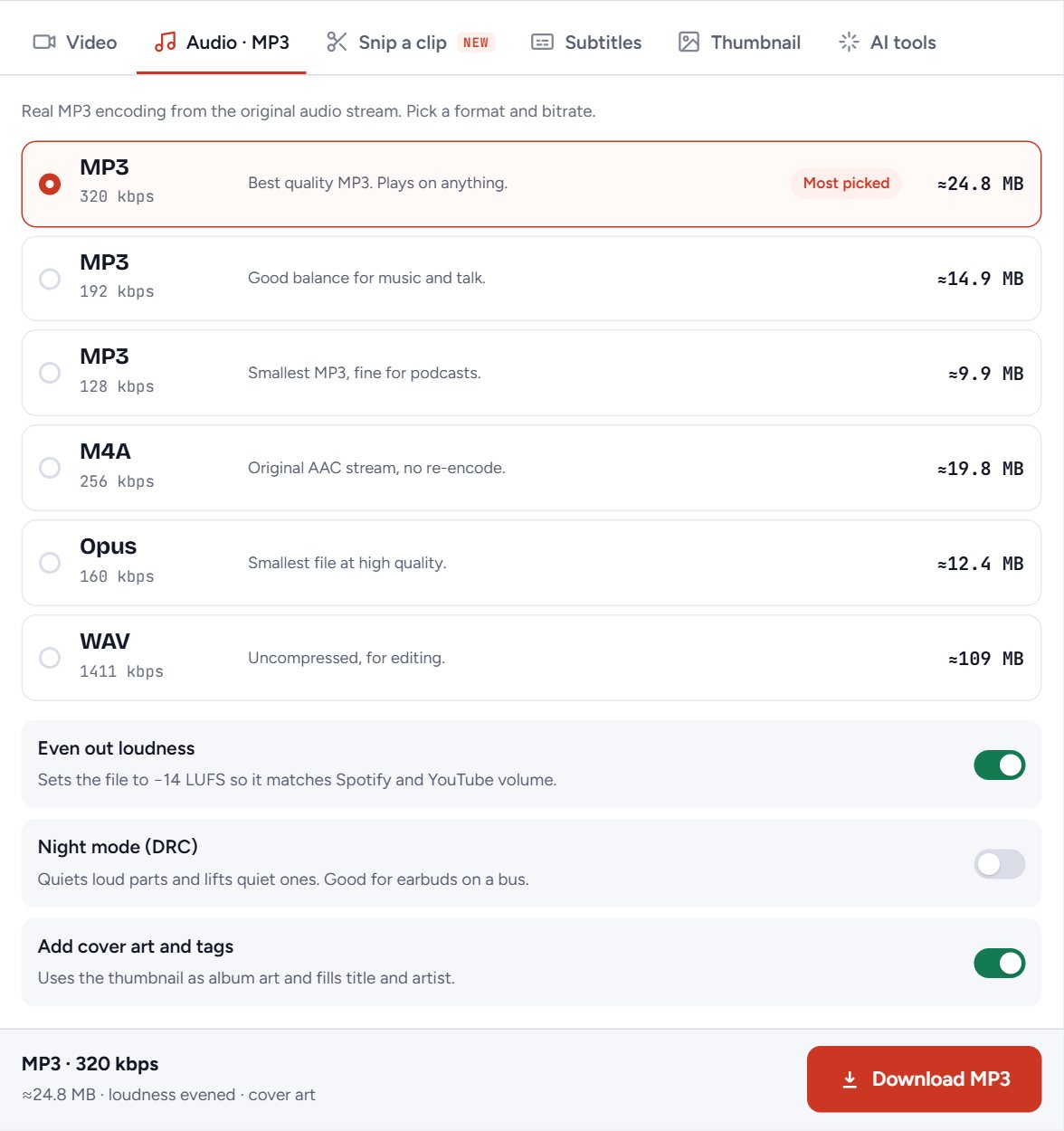
Best for: One song, any deviceOur own tool, so weigh that. Paste a link, pick a bitrate up to 320 kbps and save a real MP3.
- Price
- Free: 20 downloads an hour
- Ads and pop-ups
- No pop-ups or redirects
- Limits
- 20 downloads an hour on free use
- Safety
- Runs in the browser; Safe Browsing clean (Oct 29, 2026)
- MP3 up to 320 kbps
- Shows the file size before you download
- Works on iPhone, Android and computers
- Hourly limit on free use
- No background queue for whole channels
YTMP3 (ytmp3.cc)
Best for: Quick one-off MP3s, if you dodge the ads- Price
- Free
- Ads and pop-ups
- Yes: pop-ups and redirects reported
- Limits
- Long videos may fail
- Safety
- Safe Browsing clean (Oct 29, 2026); ads are the risk
- Free, no sign-up
- Simple paste-and-convert
- Pop-ups, redirects and notification prompts
- Many look-alike domains
yt-dlp
Best for: Power users, big batches- Price
- Free, open source
- Ads and pop-ups
- None
- Limits
- None of its own; YouTube may slow you down
- Safety
- Get it only from its GitHub page
- Free and open source
- Extracts audio from whole playlists
- Command line only
- Needs FFmpeg for MP3
YouTube Music Premium
Best for: Offline listening only- Price
- Paid monthly plan
- Ads and pop-ups
- None
- Limits
- Songs stay inside the app
- Safety
- Official
- Official and allowed
- Background play, no ads
- No MP3 file you can keep
- Downloads expire if you stay offline too long
Which one should you choose?
- One song or podcast, any device: our YouTube to MP3 gives a real MP3 at up to 320 kbps, with no pop-ups.
- The video too: use the YouTube video downloader for MP4 up to 4K.
- A whole playlist: the playlist downloader saves many tracks in one go.
- Hundreds of files, on a computer: yt-dlp is free and has no ads, but it's a command-line tool.
We also checked other big names: see is Y2Mate safe and our wider look at whether a YouTube downloader is safe.
Downloading is only allowed where YouTube offers it or the owner agrees, so stick to your own, Creative Commons or permitted videos. Last checked October 29, 2026; look the exact domain up in Google's Safe Browsing tool before you use it.
Questions
Is YTMP3 safe to use?
The site isn't flagged by Google Safe Browsing, but it shows pop-ups, redirects and notification prompts. It's safe enough only if you block notifications, close any new tab and never install anything.
Is YTMP3 a virus?
No. The site isn't a virus and a real MP3 can't run like a program. The danger is ads that push you to install adware or browser extensions.
Is ytmp3.ai safe? Is ytmp3.cc safe?
Both showed "No unsafe content found" in Google Safe Browsing on October 29, 2026. They are separate sites with their own ads, so check the exact address you are on.
What is a safe alternative to YTMP3?
An ad-free converter that gives a real MP3, like Tube Snip's YouTube to MP3 at up to 320 kbps, or yt-dlp if you're comfortable with the command line.
I clicked Allow on YTMP3. What now?
In Chrome go to Settings, Privacy and security, Site settings, Notifications, and remove the site. Then remove any extension you don't recognise.